How to Assemble OPTEX
Preparation:
Set up your workspace on a soft surface such as carpet or a rug. Avoid assembling on hard or solid floors to prevent the metal components from scratching the surface. Use care when opening packaging and avoid using a knife, as it may damage screen materials or components.
TIP: Match flat to flat and ridge to ridge on the OPTEX. Use the labels to guide you.
Step 1: Unpack Your Shade
Carefully remove the shade from the packaging tube. Unwrap all protective materials to prepare for installation.
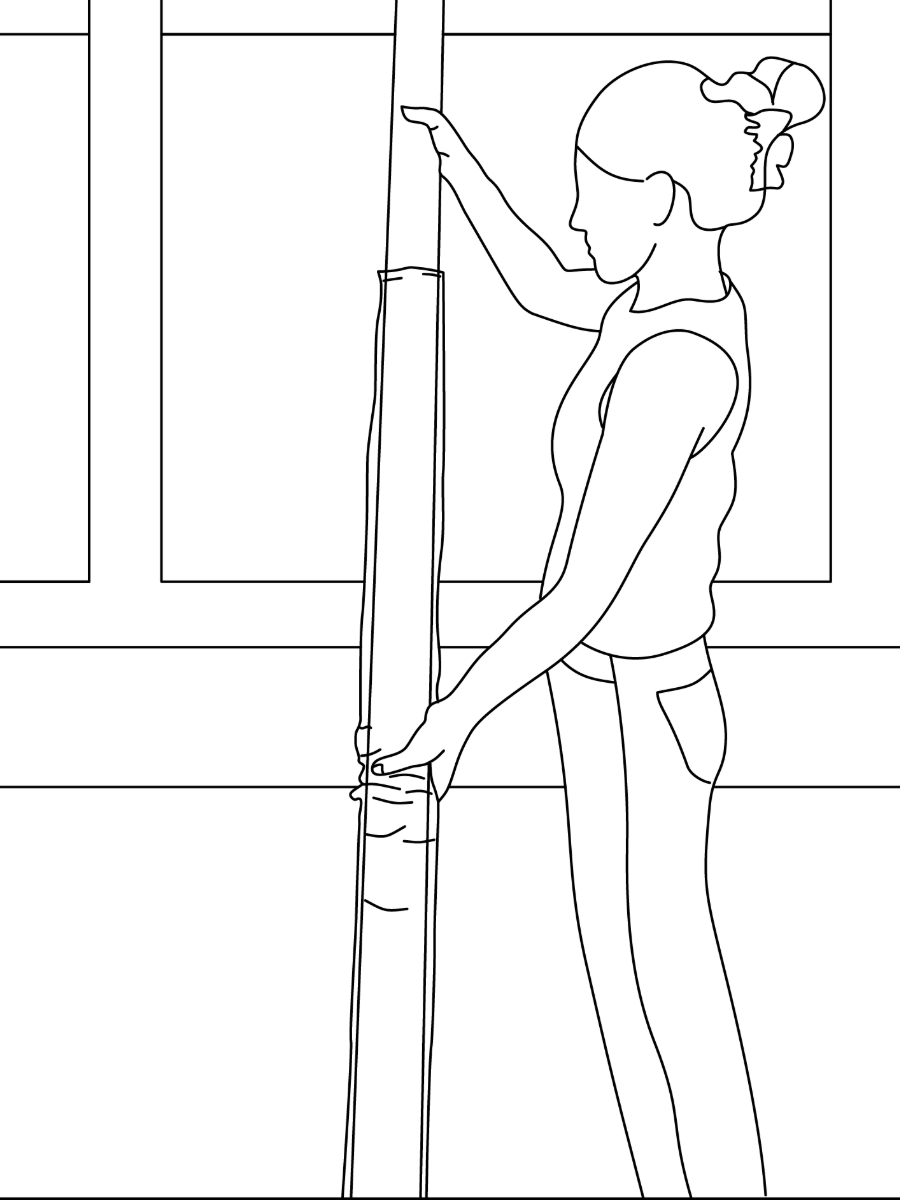
Step 2: Unwrap the Shade
Hold the shade upright and carefully remove all wrapping materials. Make sure the fabric and components are free from damage before installation.
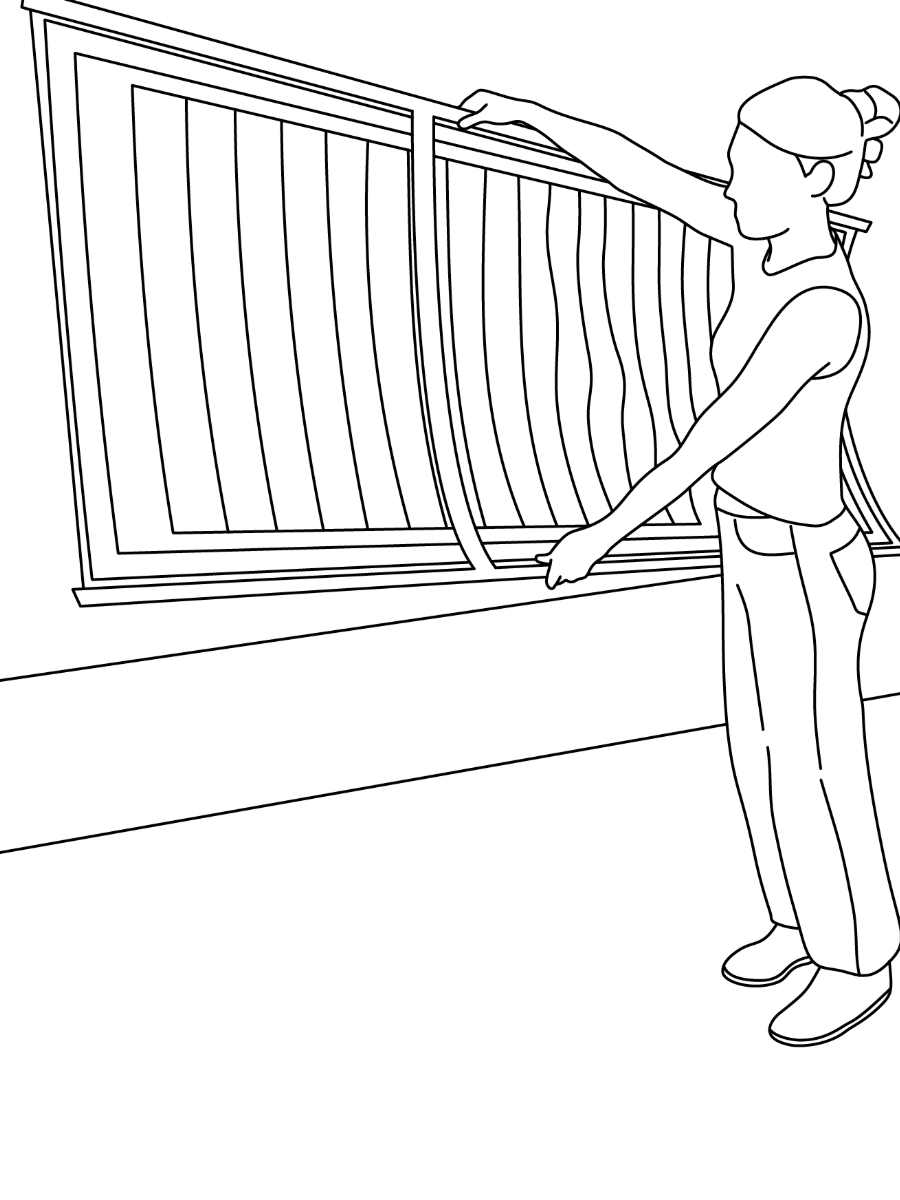
Step 3: Lay Out All Components
Unpack all parts and lay them flat on a clean surface. Identify each piece of the frame and hardware before beginning assembly.
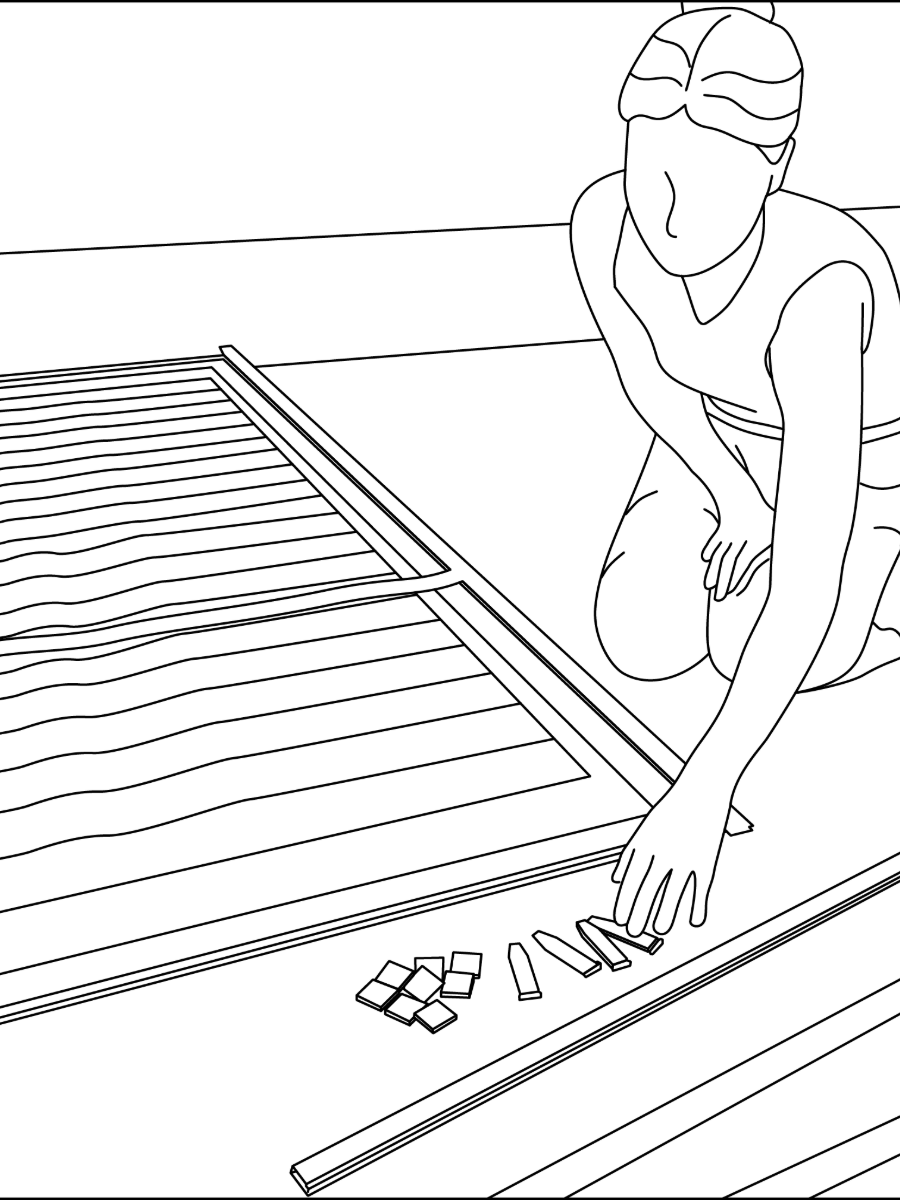
Step 4: Slide the Fabric into the Zipper Track
Begin assembly by attaching the first frame section and guiding the fabric into the zipper channel. Make sure everything is aligned and secure.
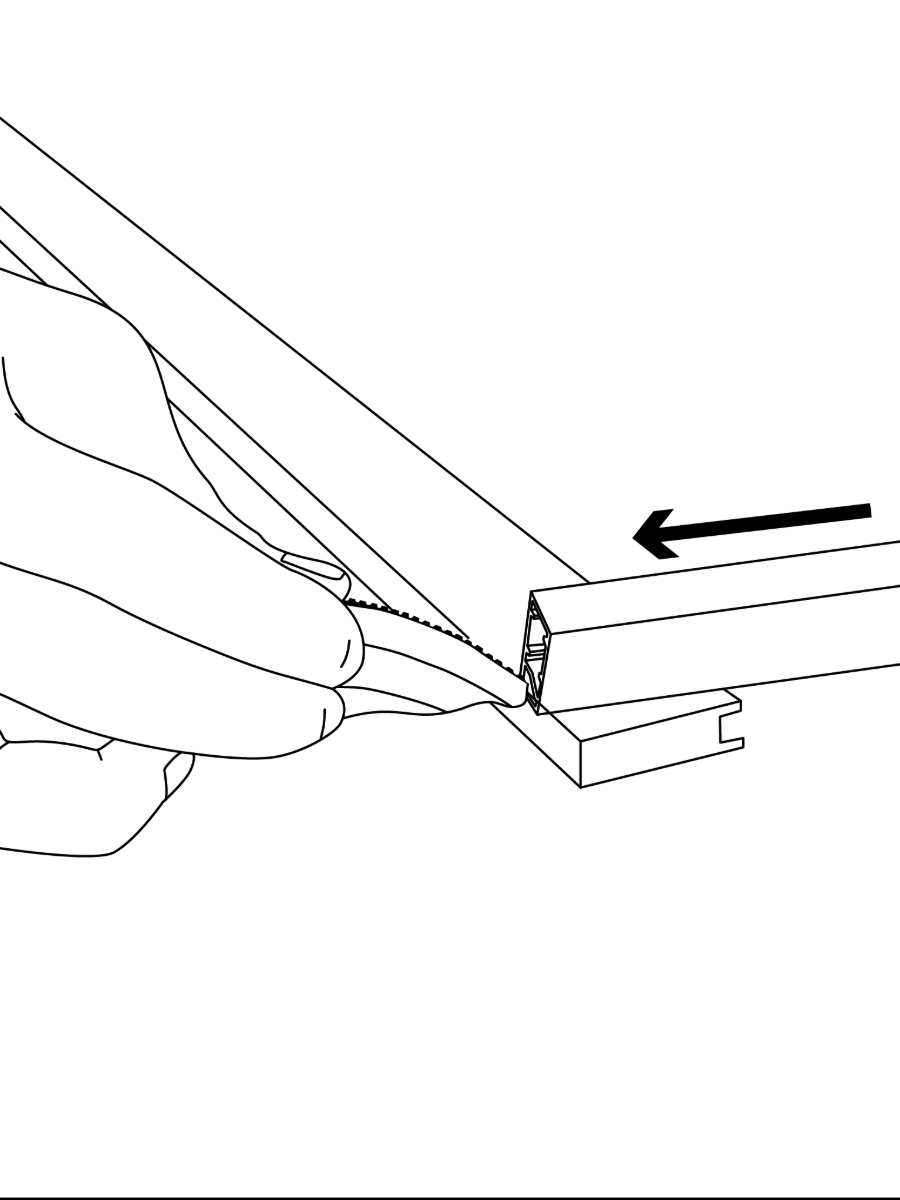
Step 5: Secure the Fabric in the Zipper Track
Once the fabric is fully inserted, make sure it’s slid all the way through and seated securely in the zipper track.
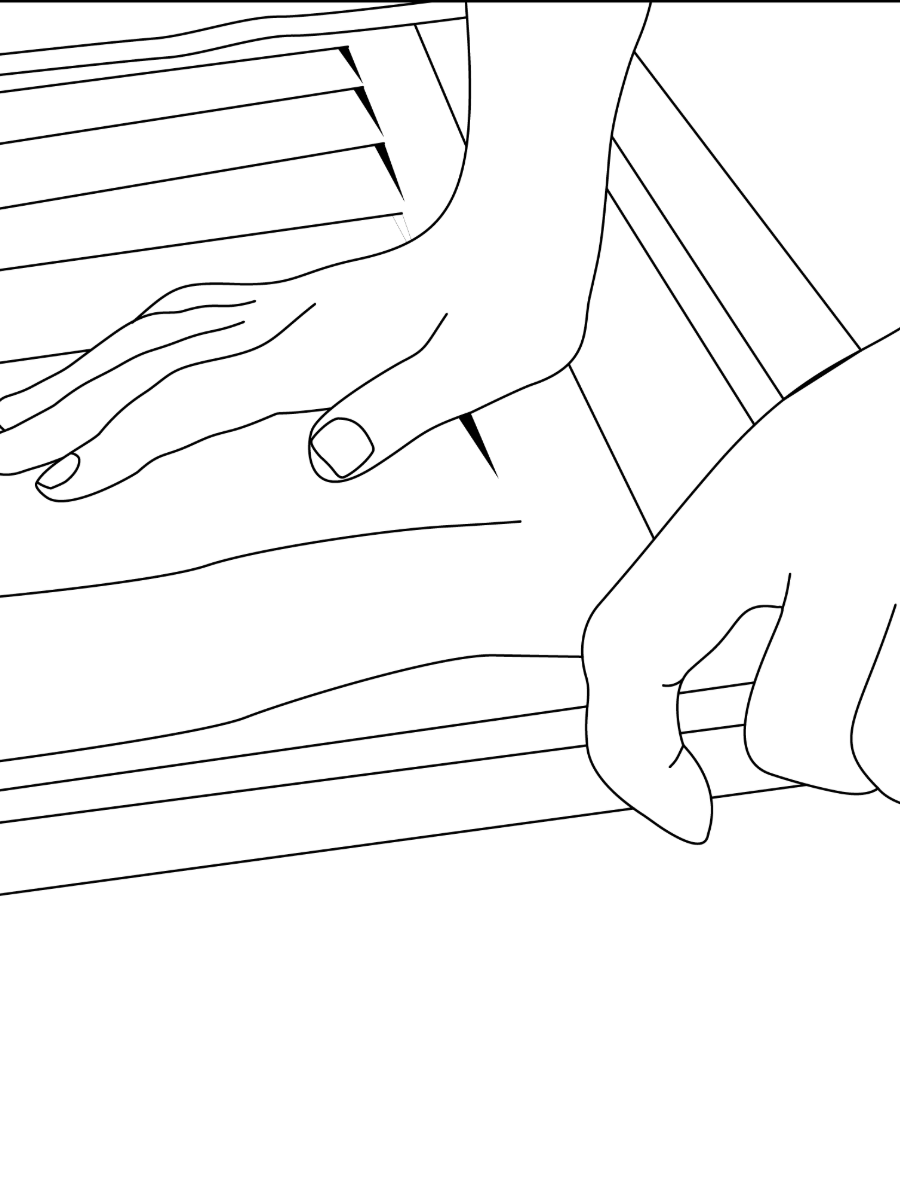
Step 6: Insert the Side Stake to Secure the Frame
Align the side piece with the frame and clip it into place to hold the structure securely. You may need to apply some force to push it in fully.
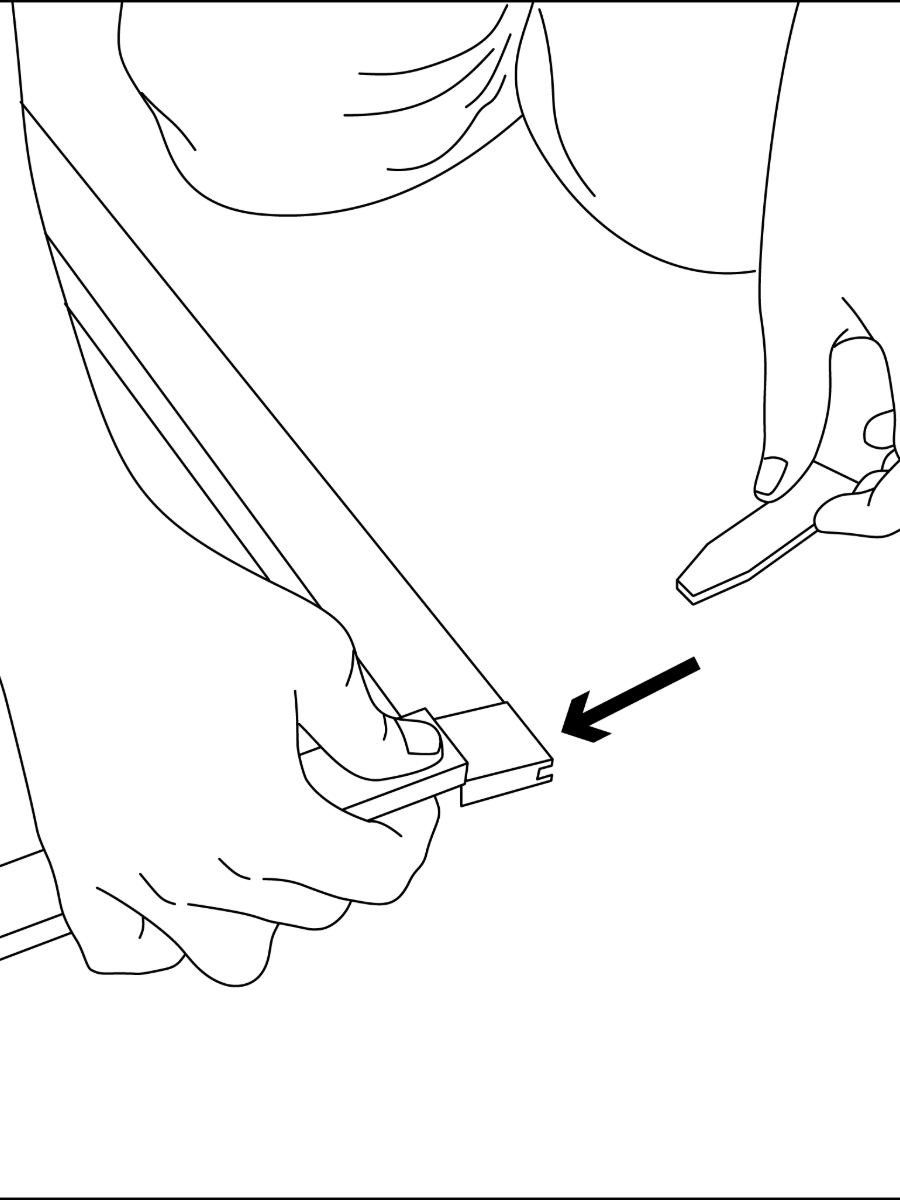
Step 7: Attach the Opposite End Frame
Align the opposite end frame with the assembled side.
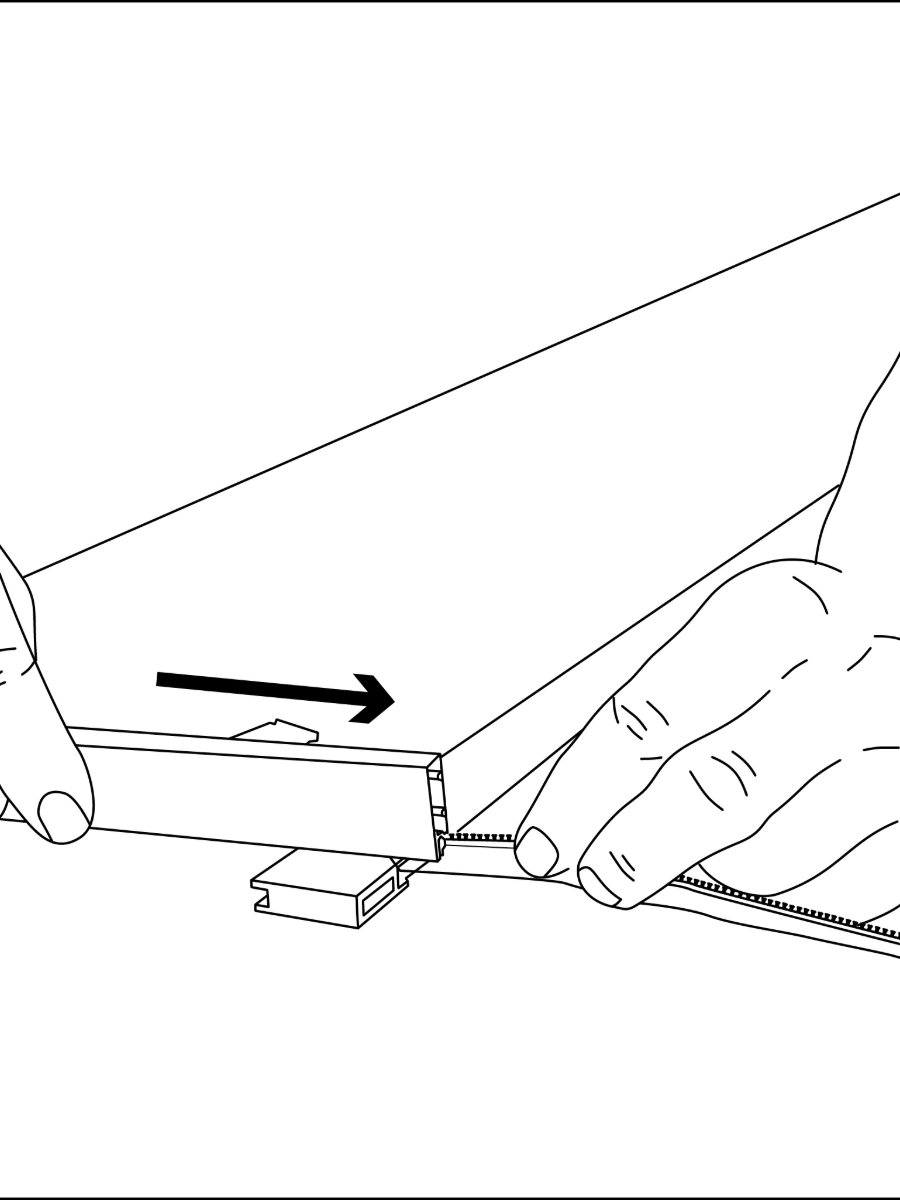
Step 8: Insert the Opposite Side Stake
Slide the stake into the opposite frame channel until fully seated and secure.
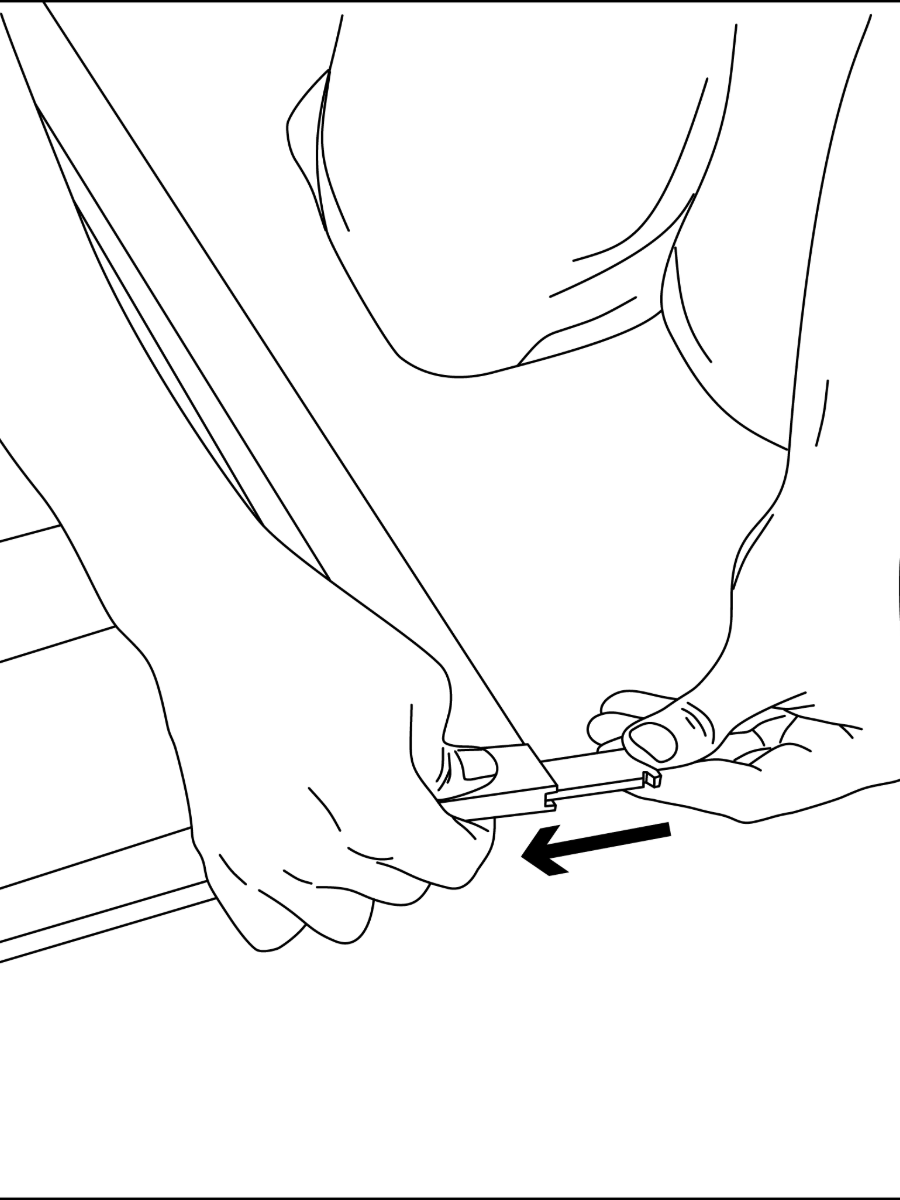
Step 9: Push the Side Stake Into Place
Insert the side stake and press firmly until it fits snugly and locks securely into the frame. You may need to apply some force to push it in fully.
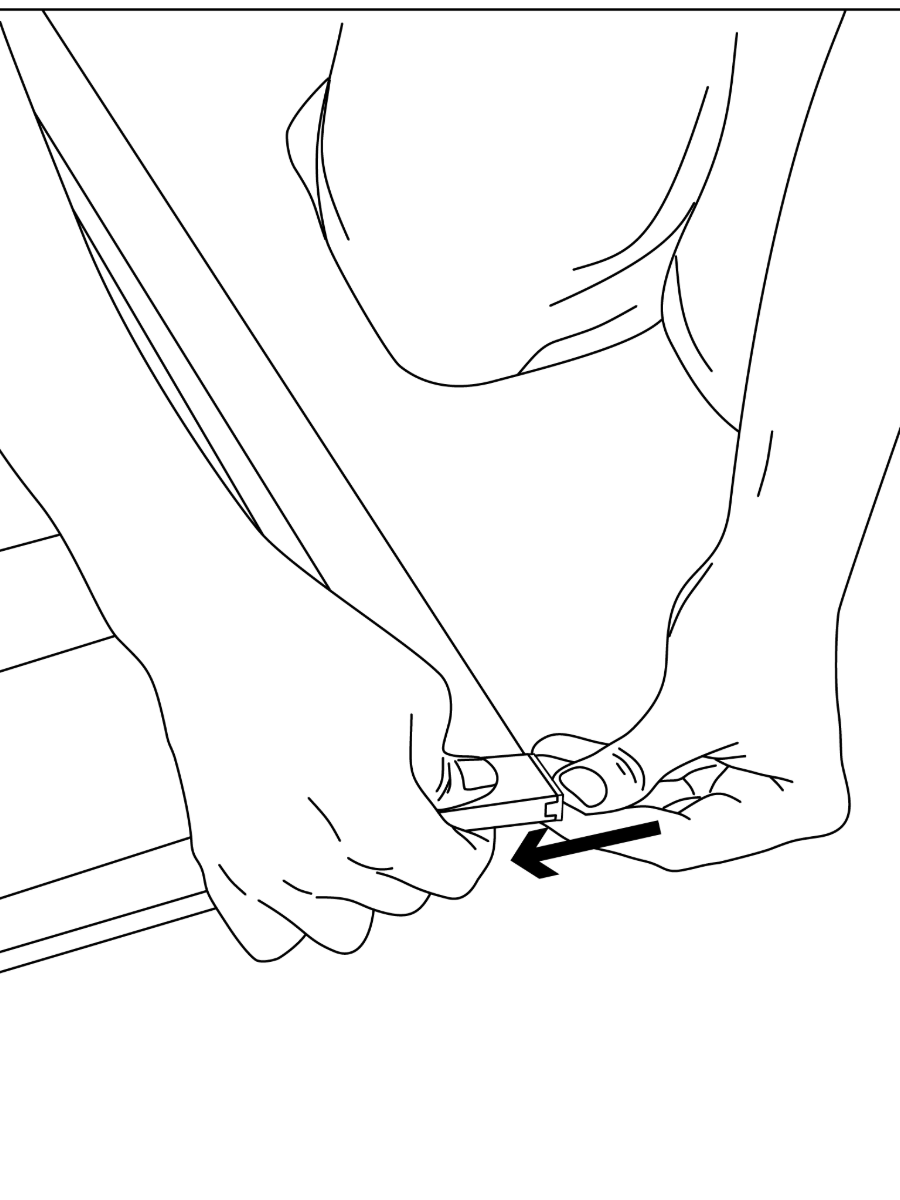
Step 10: Install the Crossbar
Slide one end of the crossbar underneath the side bar. Make sure the slant-cut end goes under the side bar and fits snug.
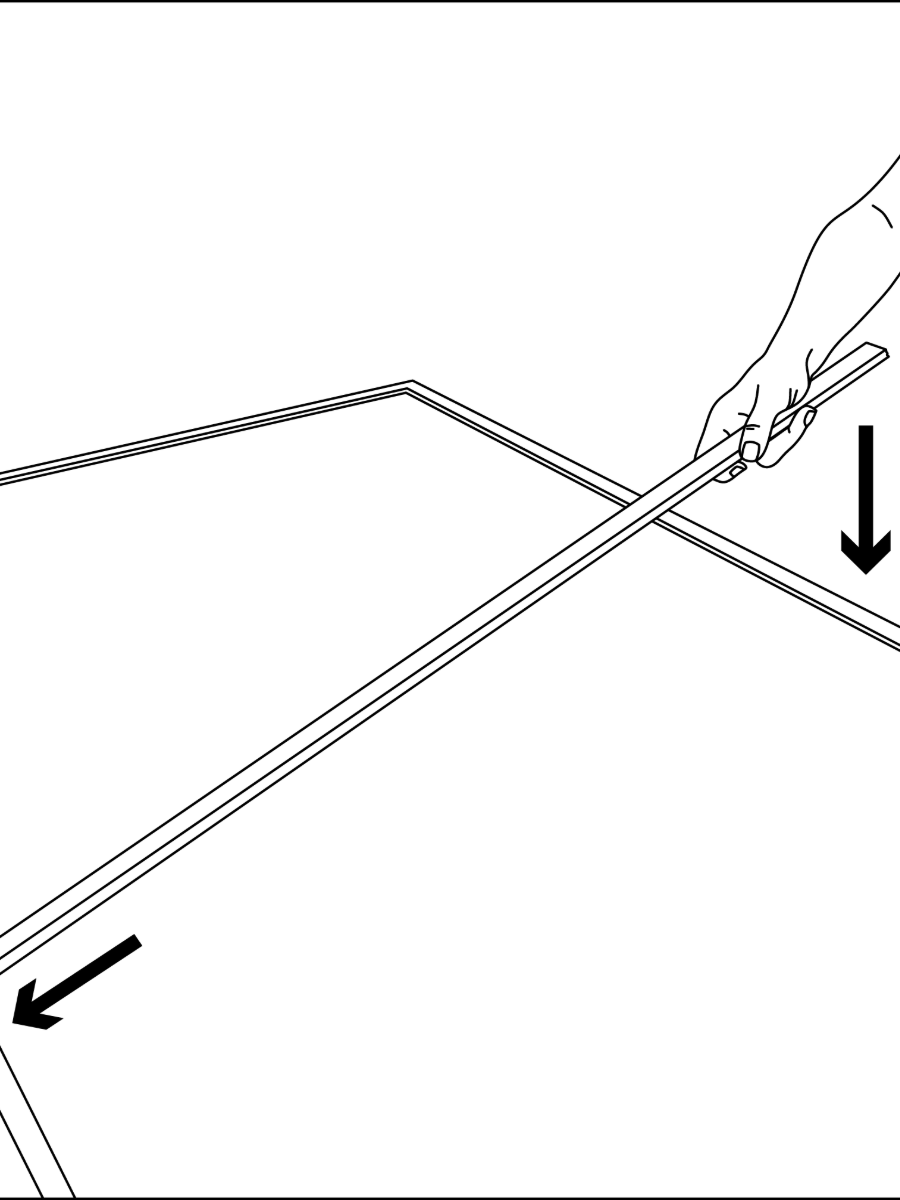
Step 11: Secure the Crossbar in Place
Guide the other end underneath the opposite side bar until the crossbar is centered and in place.
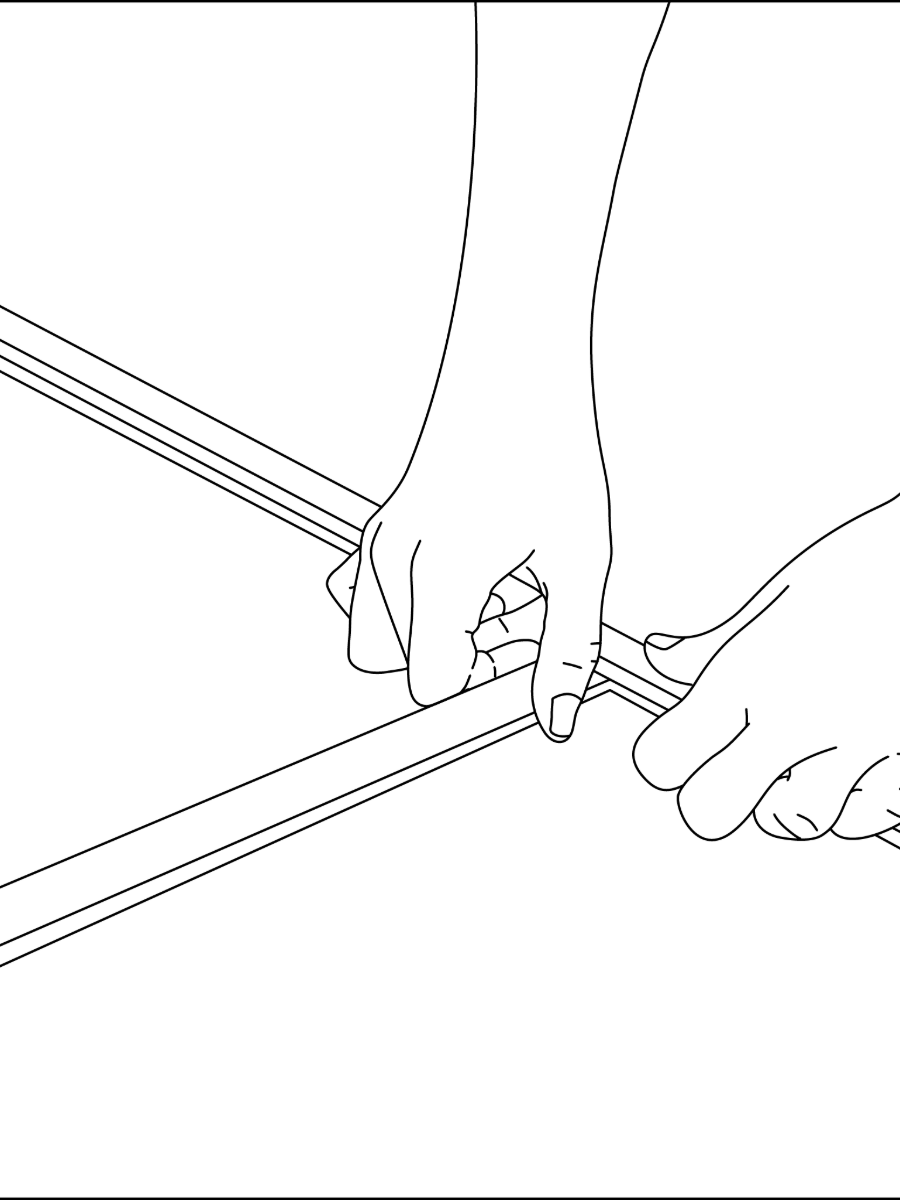
Step 12: Clean the Frame Surface
In order for the Dual Lock to adhere properly, wipe down the frame with a soft cloth to remove any dust, debris, or oils from the surface.
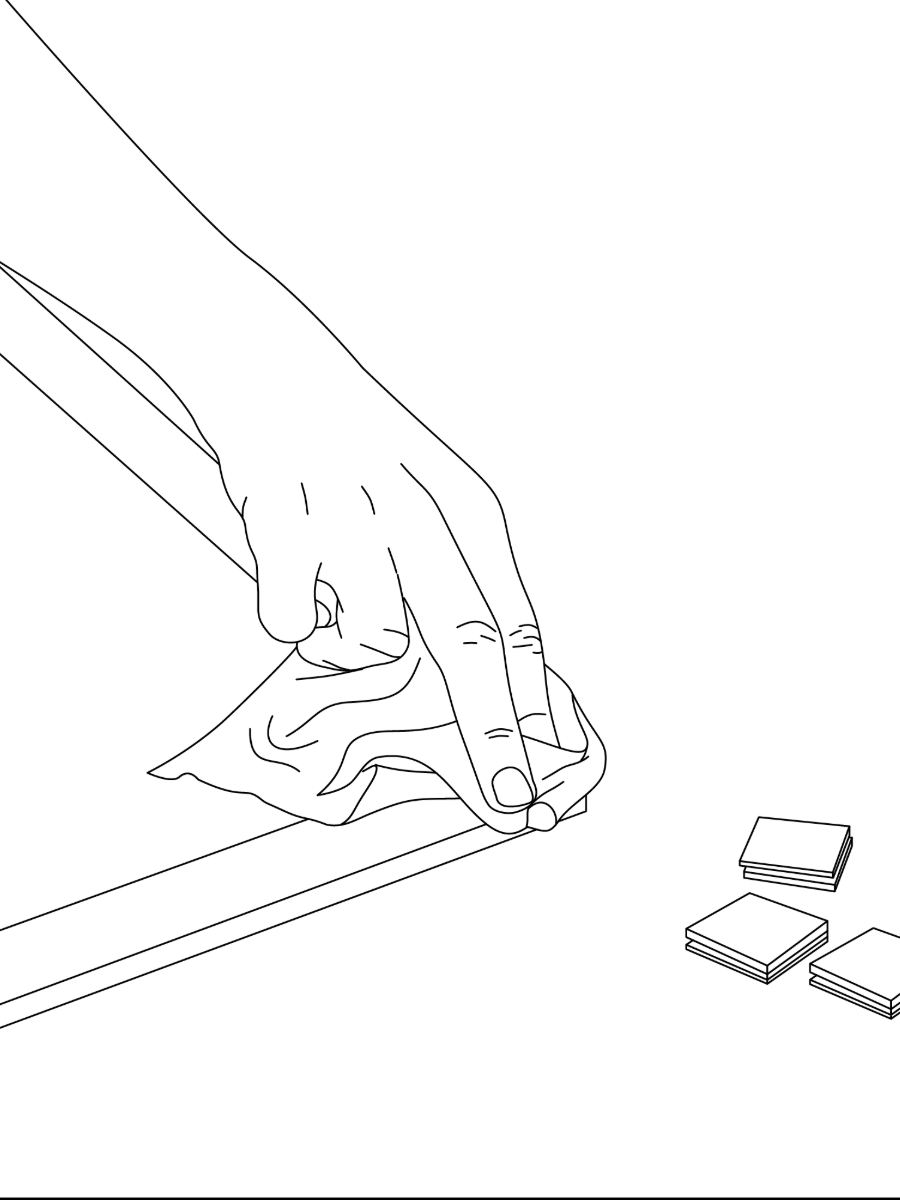
Step 13: Remove the Backing
Peel the backing from each adhesive pad and press firmly onto the frame until secure. Avoid attaching the pads to any plastic components.

Step 14: Attach Adhesive Squares to Frame Corners
Ensure each pad is pressed firmly onto the surface to create a strong bond. These adhesive pieces will secure the frame to the house exterior during installation.
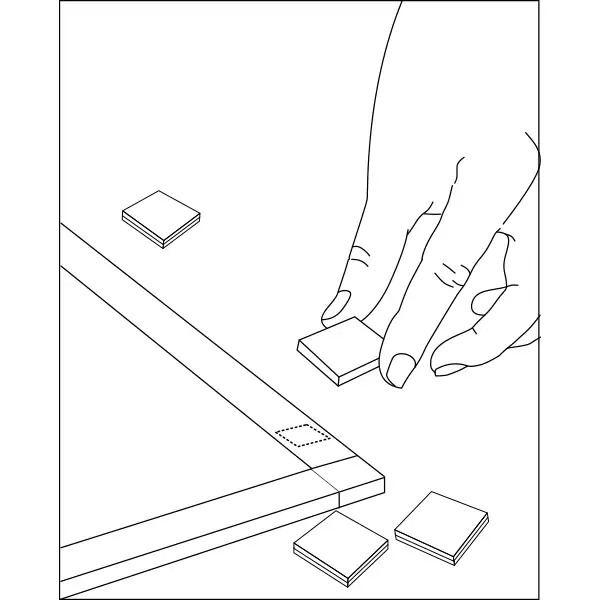
Step 15: Adhesive Pads Positioned on Frame
These pads are evenly spaced to ensure secure attachment to the mounting surface. Before installation, verify that all adhesive pieces are firmly pressed onto the frame and aligned properly for optimal adhesion to the house exterior.
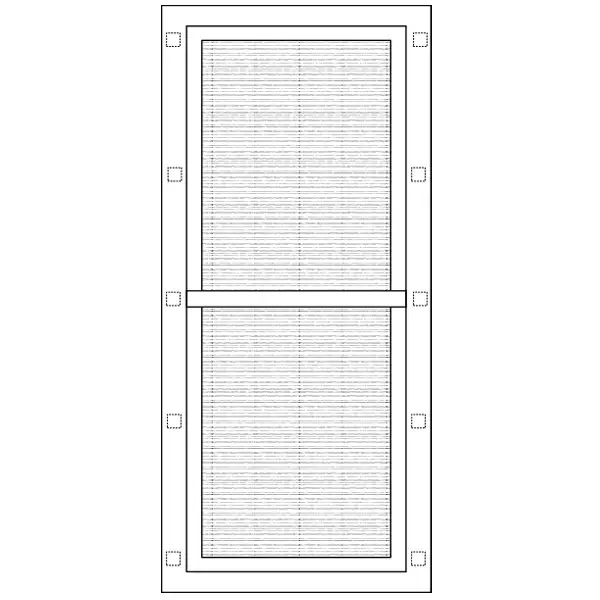
Step 16: Prepare to Hang the Screen
Carefully walk the frame with adhesive pads to the intended window, keeping it upright and avoiding contact with the sticky surfaces to preserve adhesion.
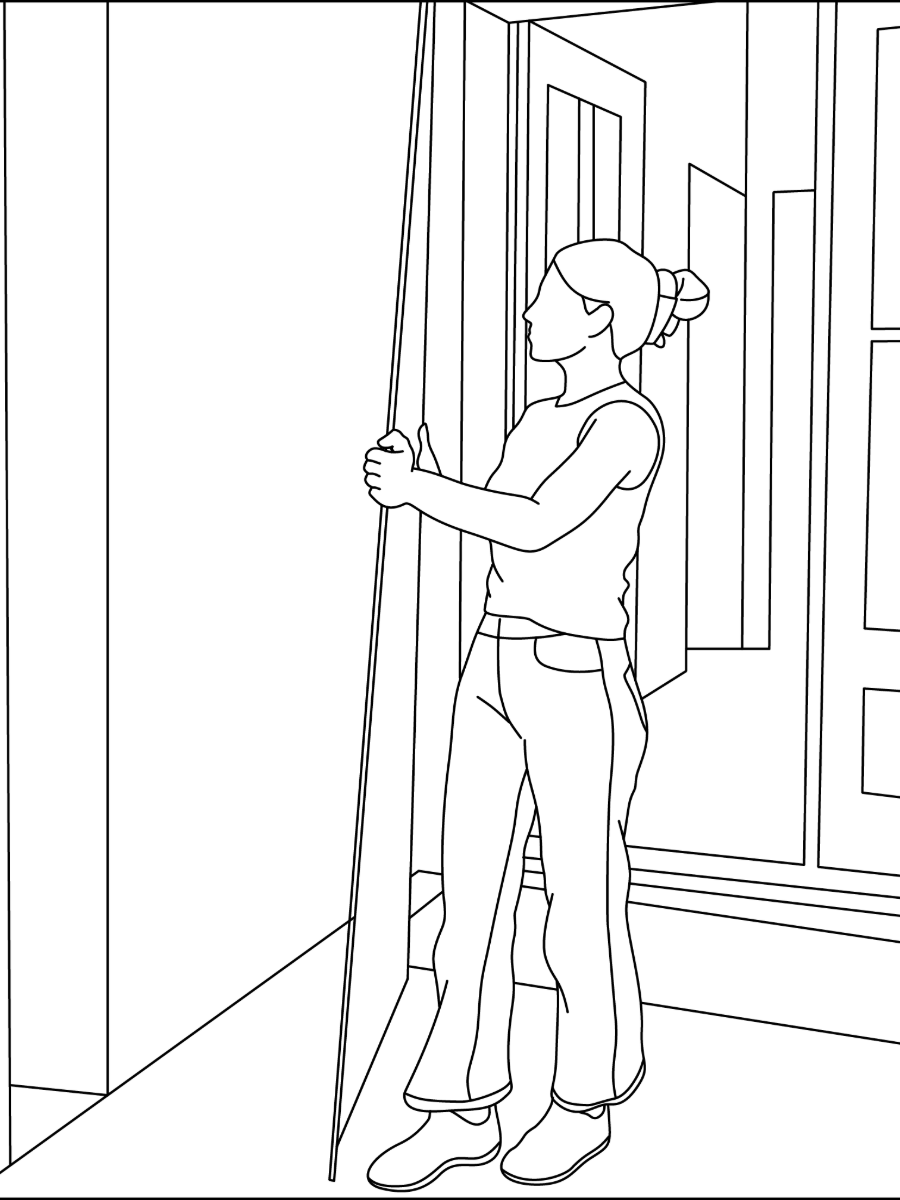
Step 17: Align Frame with Window and Press to Secure
Position the frame so it lines up evenly with the window edges, then press firmly along the adhesive points to secure it in place.
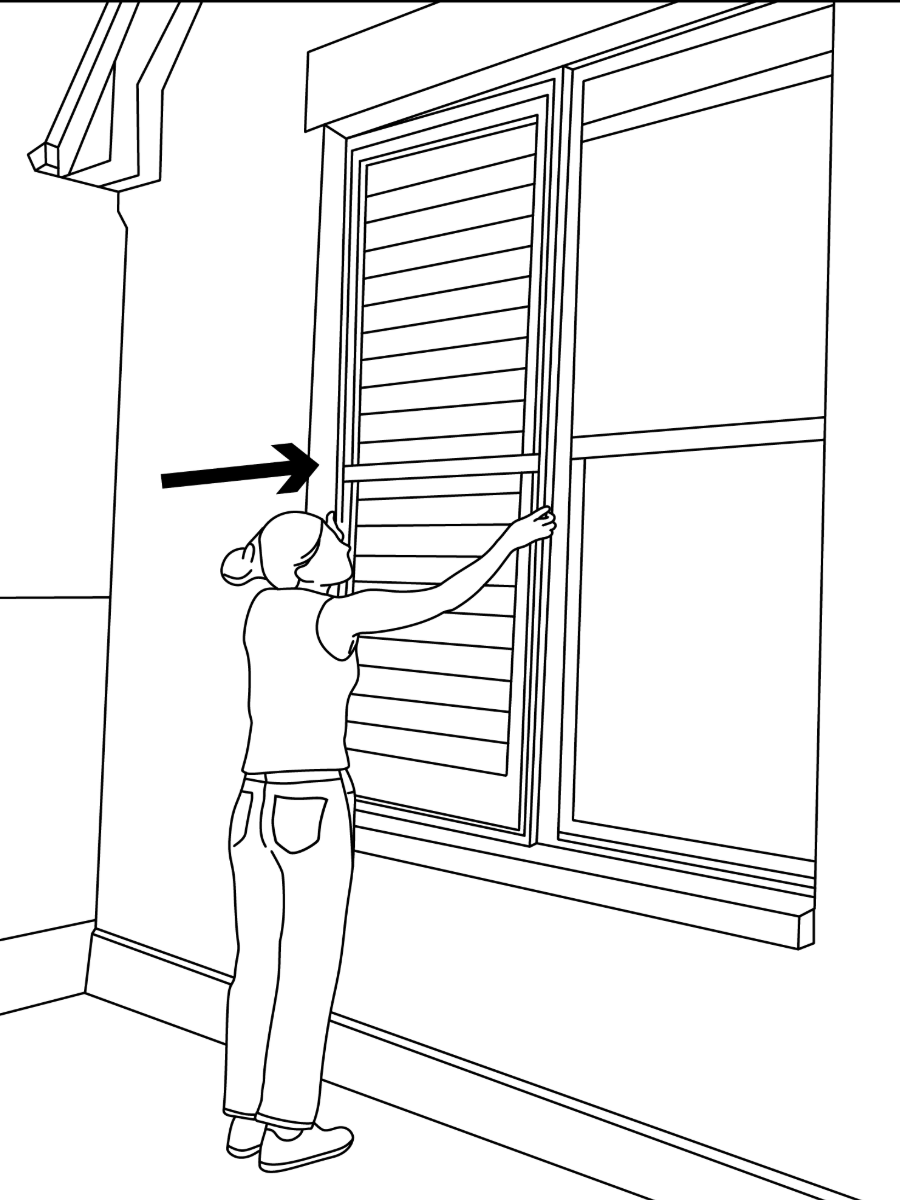
Step 18: Final Installed Appearance
Once properly aligned and pressed into place, the frame should sit flush against the house exterior, centered over the window with a clean, finished look that matches the surrounding architecture.